Order attribution and Meta cost
When Piaflo credits an order to a flow or a campaign, which orders never count, how the Meta cost is estimated and how the return on cost is calculated.
On this page 5
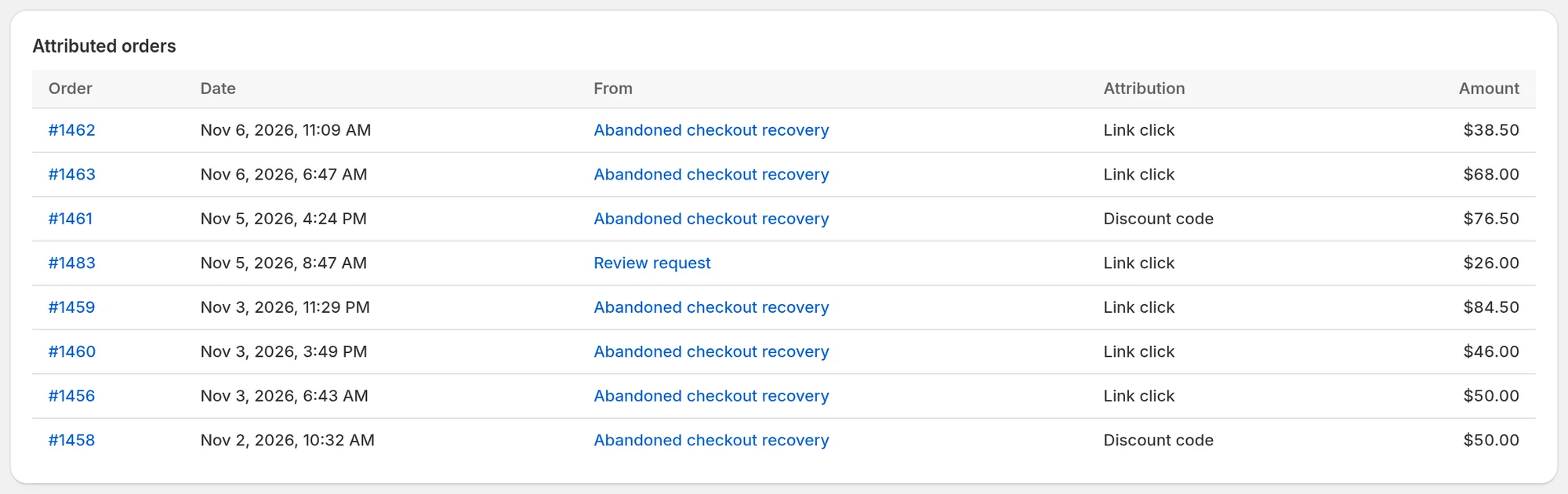
Piaflo credits an order to WhatsApp when the customer acted on one of your messages shortly before buying. Those credited orders make up Attributed revenue in Analytics, in flow and campaign reports, and in the customer column of the inbox.
The rules
When a customer places an order, Piaflo looks for the last thing they did with your messages, in this order:
- A tracked link clicked within the attribution window. The order is credited to the flow or campaign of that link, with the attribution Link click.
- If there is no such click: a message read in the 24 hours before the order, sent by a flow or a campaign. The order is credited to that message, with the attribution Message read.
If neither exists, the order is not attributed.
The attribution window is 5 days by default. Change it from 1 to 30 days with Attribution window (days) in Settings > Sending rules. The 24 hours for a read message do not change.
An order is credited once, to a single flow or campaign. The amount is the order total, in the order's currency.
Orders that never count
- Orders credited to an order update. If the last click or read was on an order update flow (order confirmation, shipping update, cash on delivery confirmation), the order is not attributed at all.
- Orders Piaflo cannot link to a contact. Piaflo links the order to a contact from the order's phone number and Shopify customer. When it cannot, there is nobody whose clicks and reads it could check.
- Messages sent from the WhatsApp Business app. Only messages sent by Piaflo carry tracked links and count.
Tracked links
Links in your flows and campaigns go through a short Piaflo link before reaching your store. This is how Piaflo knows who clicked. The link also adds utm_source=whatsapp, utm_medium (flow or campaign) and utm_campaign to the address, so the visits also show in Shopify's own reports.
The Meta cost estimate
Meta bills your WhatsApp Business account directly for the templates you send. Piaflo adds no markup. To show you a cost next to your revenue, Piaflo estimates it:
- Only template messages count. Free replies inside the 24-hour window count as zero.
- Each template is counted at a rate per message for the recipient's country, depending on the template's category: marketing or utility (order updates).
- The cost is counted when the message is sent, in US dollars.
These are the rates Piaflo uses, from Meta's public price list:
| Recipient's country | Marketing | Utility |
|---|---|---|
| France | $0.0859 | $0.03 |
| Spain | $0.0848 | $0.02 |
| Germany | $0.1365 | $0.055 |
| Italy | $0.0954 | $0.03 |
| United Kingdom | $0.0762 | $0.022 |
| Brazil | $0.0625 | $0.0068 |
| India | $0.0118 | $0.0014 |
| United States | $0.025 | $0.0034 |
| Other countries | $0.07 | $0.02 |
Return on Meta cost
From the Starter plan, the Return on Meta cost tile divides your attributed revenue by the estimated Meta cost, after converting the cost into your store's currency. The result reads as a multiple: 1× means your attributed revenue equals your Meta cost.
The tile stays empty when the cost is too small to compare, or when your store's currency is not one Piaflo converts. It converts these currencies: USD, EUR, GBP, CHF, CAD, AUD, NZD, JPY, INR, BRL, MXN, SEK, NOK, DKK, PLN, CZK, MAD, AED, SAR, ZAR, SGD, HKD and TRY.
 Still stuck? Write to us with the flow name or the order number involved.