The chat button or popup does not show
The WhatsApp chat button or the signup popup does not appear on your store. Go through these checks in order: most of the time it is the app embed, the WhatsApp connection or the cache.
On this page 3
The chat button does not show
Check these in order.
- The app embed is on in your current theme. On the Piaflo Home page, the setup step Add the WhatsApp button to your store is ticked when it is. If not, go to Opt-in tools, click Turn on the app embed, turn on Piaflo chat & opt-in and click Save in the theme editor. If you switched to another theme, turn it on there too.
- Your WhatsApp number is connected. Without a connected number, the button stays hidden and Opt-in tools shows Connect your WhatsApp number first. See Connect your WhatsApp number.
- The button is turned on in Piaflo. In Opt-in tools > Chat button, Show the chat button on my store must be ticked. If you changed it, click Save.
- The cache has caught up. Piaflo's settings are cached for 5 minutes, and each visitor's browser keeps them for 10 more. After a change, wait a few minutes and check in a private window.
- The button is where you expect it. The position can be set in Piaflo and in the theme editor (Button position). A setting in the theme editor other than As set in the app wins.
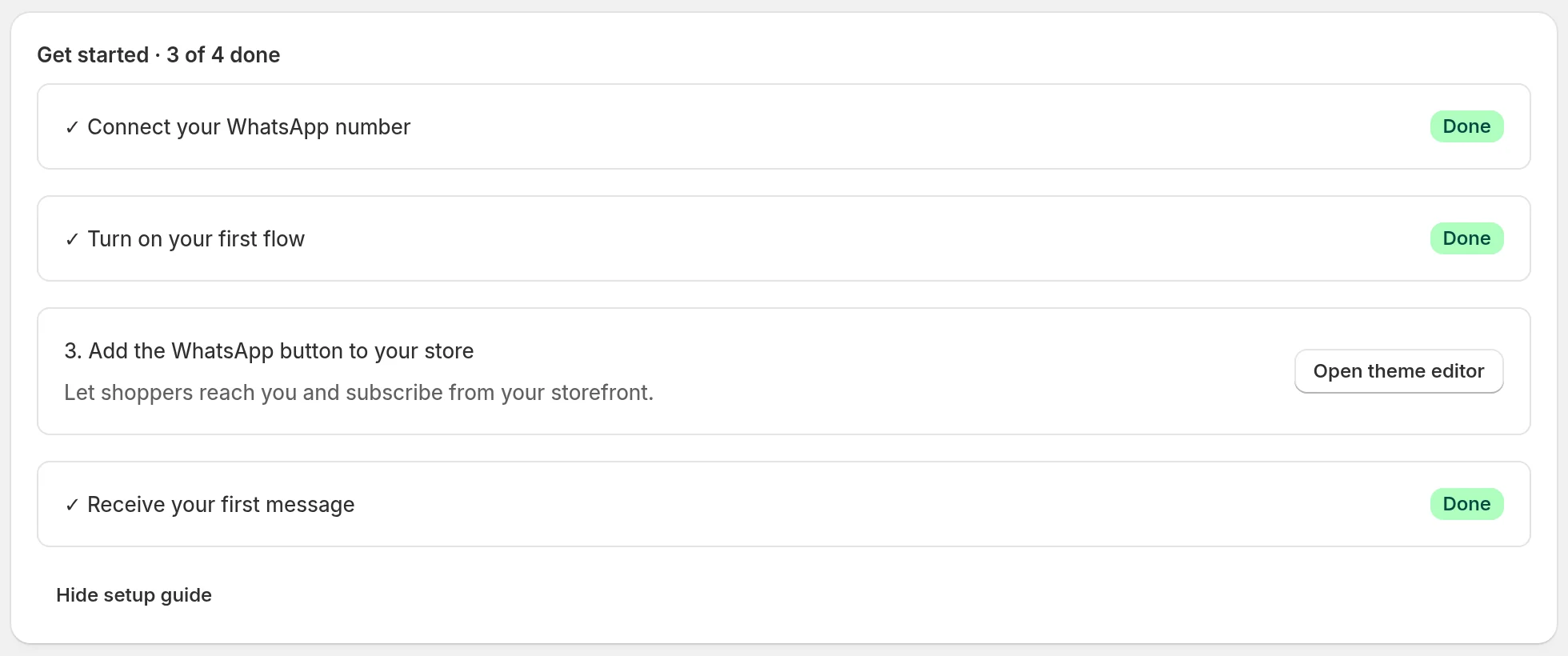
If all five are fine and the button still does not appear, write to us through the chat in the app with your store address.
The signup popup does not show
The popup has more conditions than the button. Check:
- Your plan. The popup is included from the Starter plan. On Free, it never shows on your store, even when turned on.
- It is on in Piaflo. Opt-in tools > Opt-in popup > Show the opt-in popup, then Save.
- It is on in the theme. In the theme editor, the Piaflo chat & opt-in app embed has its own Show the opt-in popup setting. It is on by default: check that nobody turned it off.
- The delay. The popup opens after Delay before showing (seconds), 8 seconds by default. Stay on the page long enough.
- You closed it or subscribed before. Closing the popup hides it for 30 days on that browser, and it never shows again on a browser that subscribed. Test in a private window.
- The app embed and the WhatsApp connection, as for the button above.
The greeting bubble does not show
The bubble next to the button shows once per visit, 4 seconds after the page loads, and goes away after 12 seconds. It also needs text in Greeting bubble: when the field is empty, there is no bubble. In a tab where it already showed, it does not come back until the next visit.
 Still stuck? Write to us with the flow name or the order number involved.